

How to install
- DownloadTap Download for Android. If Chrome warns "file might be harmful", tap Download anyway.
- Open the fileTap the download notification, or open Files → Downloads → RipplesX-To-Do.apk.
- Allow install unknown appsAndroid asks once: tap Settings → turn on Allow from this source for Chrome (or Files) → go back.
- InstallTap Install. If Play Protect shows a message, tap More details → Install anyway.
- Sign inOpen RipplesX To-Do, sign in with your usual email and keep "Keep me signed in" ticked. Allow notifications.
Updating later: the app tells you when a new version is out — tap Update and install over the old one. Your sign-in stays.
Screenshots
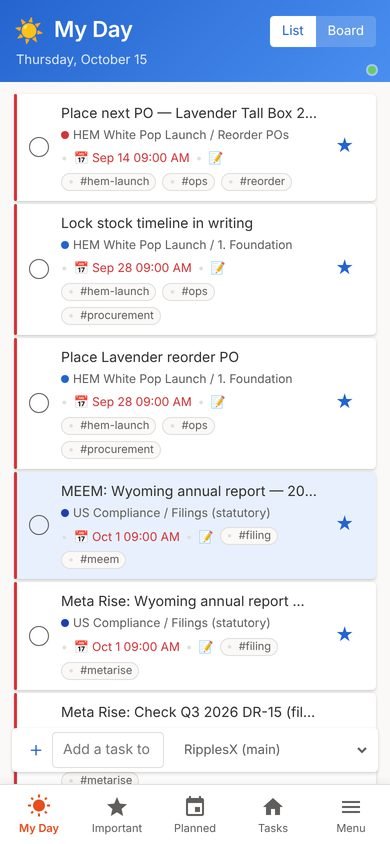
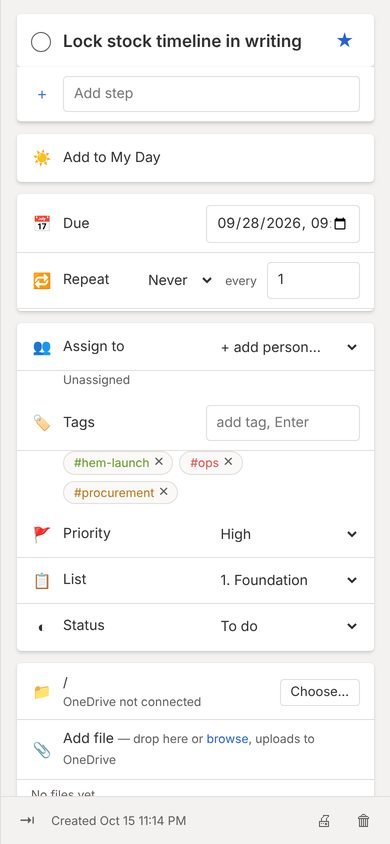
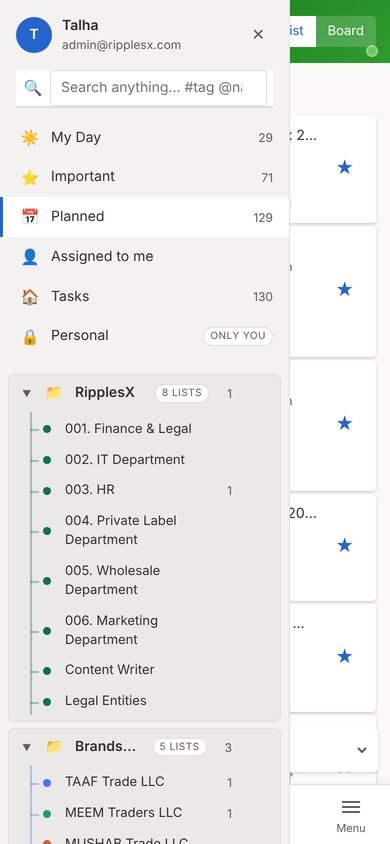
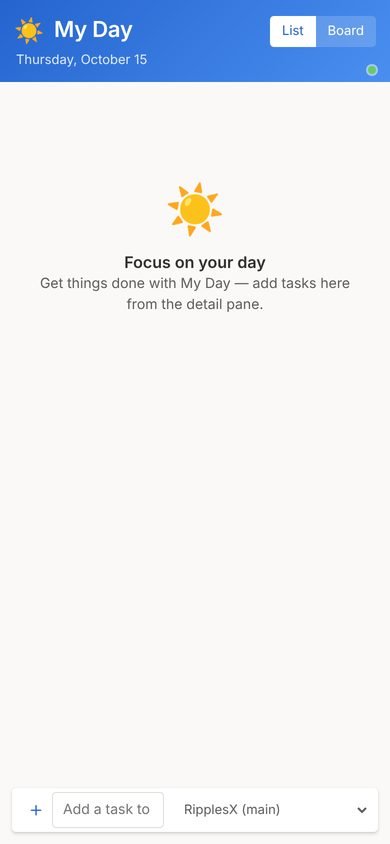
What's new
Version 1.0.0
- First release of the RipplesX To-Do Android app
Prefer the browser?
Use to-do.ripplesx.com on any computer or phone.
Use to-do.ripplesx.com on any computer or phone.
Need help?
Ask your admin to reset your password or check your role.
Ask your admin to reset your password or check your role.